
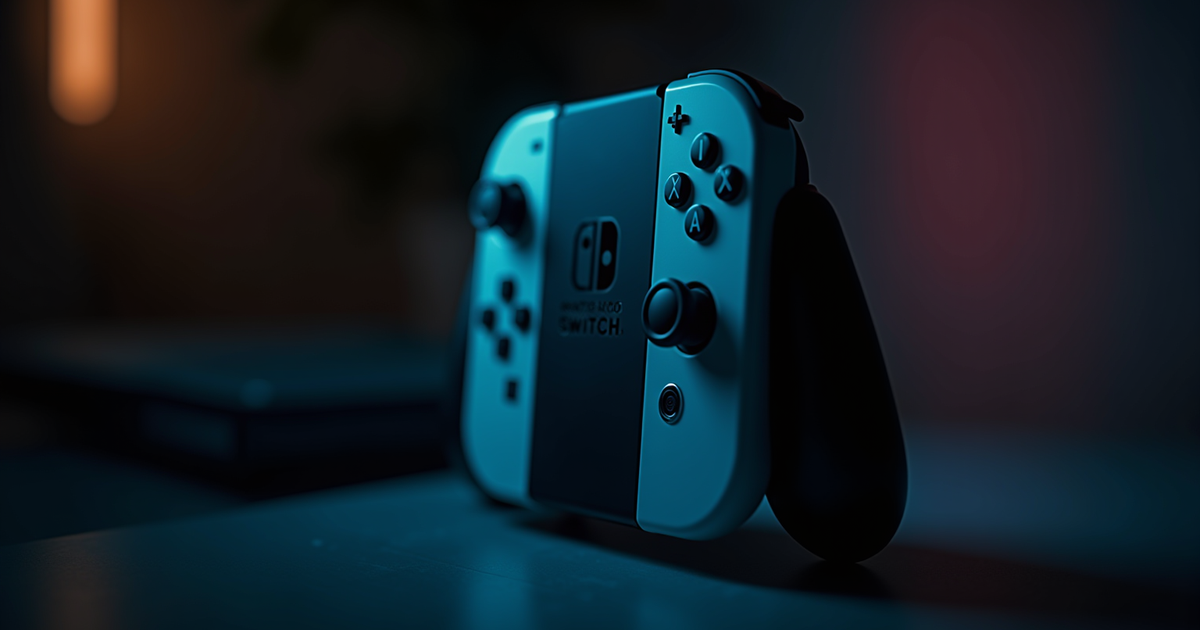

You are a busy adult. You have $500 budgeted for a handheld. You will own exactly one of them, not both. The decision is Switch 2 or Steam Deck OLED, and the decision matters because this device is going to live in your bag for the next three to five years. Most comparison articles walk through specs. This one walks through what actually happens when each device is your only handheld.
This is the head-to-head member of our handheld gaming 2026 pillar. A direct Switch 2 vs Steam Deck OLED comparison for adults who will not own both.
The short version
- Switch 2 for: first-party Nintendo exclusives, family sharing, lighter device, easier user experience.
- Steam Deck OLED for: your existing Steam library, indie game breadth, flexibility, modding.
- Both handle the short-session catalog (Balatro, Slay the Spire 2, Hades II, Stardew Valley) well.
- Neither is “better”; they are different devices optimized for different gamers.
- Default recommendation for someone genuinely uncertain: Switch 2. Lower-friction ownership.
Comparison table
| Criterion | Switch 2 | Steam Deck OLED |
|---|---|---|
| Weight | ~400g (lighter) | ~640g (heavier) |
| Battery | 3-6 hours | 3-7 hours |
| Screen | LCD 7.9″ 120Hz | OLED 7.4″ 90Hz |
| Game catalog | Nintendo first-party + third-party ports | Entire Steam library + emulators (legal) |
| Price | $449 base | $549 (512GB) |
| Parental controls | Built-in, robust | Limited; requires setup |
| Dockable | Yes (official dock) | Yes (third-party docks) |
| Form factor | Nintendo-familiar | PC-familiar |
Pick Switch 2 if…
You want to play the new Mario, Zelda, Pokemon, Kirby, Splatoon, Animal Crossing. These are all Nintendo-exclusive. Steam Deck cannot play them legally. Switch 2 is the only path.
You have a kid or kids. Multiple user profiles with robust parental controls. Steam Deck supports multi-user but with more friction.
You prefer “turn on and play” simplicity. Switch 2 boots directly to its game menu. Steam Deck has a full operating system with multiple modes. Tinkerers love the latter; non-tinkerers find it annoying.
Weight matters to you. 240 grams lighter. Noticeable in day-to-day carry and long handheld sessions.
You value ecosystem and long-term support. Nintendo’s Switch 2 will get 7+ years of first-party releases. Steam Deck is Valve-hardware, and Valve’s hardware support history is mixed (remember the Steam Machine?).
You want to play with family in the same room. Switch 2 supports local wireless multiplayer between multiple Switch 2 devices easily. Steam Deck requires more setup.
Pick Steam Deck OLED if…
You already own Steam games worth $100 or more. Your existing library unlocks instantly on Steam Deck. This is a genuine economic argument.
You want indie game breadth. The indie catalog on Steam is vastly wider than Switch 2’s eShop. Half the games on our 30-minute gaming session pillar are Steam-native, with broader modding and community support than their Switch counterparts.
You want to play older PC games. Steam Deck plays everything from 2005 onward well. Nostalgia gaming, recent-back-catalog, PC exclusives. Switch 2 plays a curated subset.
You want to emulate your old game libraries. Legal emulation of games you own is straightforward on Steam Deck via EmuDeck. Switch 2 has official virtual console but with Nintendo’s curation.
You want the OLED screen. Genuinely nicer to look at. Deeper blacks, better contrast, excellent for atmospheric games.
You are comfortable with settings and configurations. Steam Deck lets you tune performance per-game. This is power and flexibility, but it is also homework. Tinkerers love it.
What each device does NOT do well
Switch 2 cannot: play Steam games, play most PC-exclusive indies, run emulators for non-Nintendo platforms, use a mouse and keyboard naturally, run Discord or web browsers smoothly.
Steam Deck OLED cannot: play Nintendo first-party titles, easily share with multiple users, perform as a “grab and go for a 20-minute session” device (the boot and login are slower), fit as comfortably in a smaller bag due to weight.
Both struggle with: the newest AAA titles at full fidelity. Both handhelds are 2022-era performance in 2026. Cyberpunk 2077 runs at 30 FPS with compromises on both. Elden Ring runs acceptably on both. If you want to play new AAA games at high settings, neither handheld is the right tool; a proper gaming PC or console is.
The real daily-life comparison
Four scenarios where the devices diverge.
Commute: Switch 2 wins. Lighter, easier to hold one-handed on a bus. Steam Deck is tolerable but tires your arms faster.
Couch after kids go to bed: either works. Steam Deck’s OLED screen is slightly nicer in a dim room. Switch 2’s catalog may better match what you feel like playing.
Plane: both have adequate battery. Switch 2 fits in more bag configurations. Steam Deck needs a dedicated case.
Living room with kids: Switch 2 wins. Dockable to TV for Mario Kart with the kid. Multiple profiles. Family gaming is its native domain.
The “both” option
For budget-conscious buyers, owning one is the right call. For enthusiasts who can afford both, both is genuinely valid. They cover different genres and use cases.
Most “both” owners end up using Switch 2 as their primary family device and Steam Deck OLED as their solo-indie device. The split is natural and works. But if you are picking one, stop hedging and pick based on your actual priorities. The list of things both devices cannot do is surprisingly short, and 90% of your gaming will work on either.
Signals you are about to buy the wrong one
You are buying Switch 2 despite having a huge Steam library you love. You will regret not having access to it.
You are buying Steam Deck despite having never owned a Nintendo console. You will feel left out when Mario Kart World comes up at a friend’s house.
You are buying based on online reviews instead of your actual gaming habits. Reviews are written for enthusiasts. You need the device that handles your specific games and fits your specific lifestyle. Do not outsource this decision.
You are buying to impress someone. Do not buy the bigger, more expensive, more complex device to signal anything. Buy the right one for you.
You are buying right before a baby arrives. Switch 2 is typically the right pick in this specific scenario because of family features. Steam Deck works but adds complexity you will not have time for.
Used or refurbished as an option
If your budget is under $400, consider used or refurbished.
Used original Nintendo Switch OLED: $250 range. Plays nearly the same catalog as Switch 2 with some performance loss. A reasonable cost-conscious entry point.
Used original Steam Deck: $300-350. Plays almost everything Steam Deck OLED plays. Missing the OLED upgrade but the gameplay is the same.
Buying refurbished from the official manufacturer (Nintendo or Valve) comes with warranty. Buying used from eBay or similar carries more risk. Match your budget and risk tolerance. First-party refurbished programs typically have 6 to 12 month warranties that make them more reassuring than eBay purchases.
Three-year ownership perspective
A handheld is a 3-year-plus purchase for most people. Think forward about what your life looks like in 2029.
If you are about to have kids: Switch 2. The family-friendly features matter more as years pass. Your kid will want to play Mario.
If you are planning heavy travel: Switch 2. Lighter, easier to pack, more foolproof.
If your gaming time is growing: Steam Deck OLED. The catalog depth rewards heavy play more than Switch 2’s curated library.
If your gaming time is shrinking: Switch 2. The simpler ecosystem means you never feel you are “missing out” on configurations.
If you already have a gaming PC: Switch 2 as second device. Your PC handles the Steam catalog; your Switch 2 handles the Nintendo catalog.
If you do NOT have a gaming PC: Steam Deck OLED doubles as a PC-library-access device. Higher value in that scenario.
The sunk-cost argument for existing owners
If you already own a Nintendo Switch (original), you have a library of Switch games. Upgrading to Switch 2 preserves that investment. Your existing games play better. Buying Steam Deck instead strands your Nintendo library on the older device.
If you already own a gaming PC with a large Steam library, Steam Deck OLED preserves that investment similarly. Your existing games play on the go. Buying Switch 2 means starting fresh on a new ecosystem.
Sunk-cost is not always a fallacy. Sometimes the platform matches your existing commitment, and that matters.
Frequently asked questions
What if I want to play the same game on both platforms?
Common case for Stardew Valley and similar cross-platform games. Saves usually do not transfer between platforms. Pick the platform where you want your “home save” and commit. Cross-platform cloud saves exist for some games but not reliably. Stardew Valley cross-saves exist via Steam account linking; most other games do not.
Can Steam Deck emulate Switch 2 games?
Not legally for games you do not own. Emulation of Nintendo games you own physical copies of is in legal gray territory; Nintendo aggressively pursues emulation cases and software distribution lines. Do not assume “I can just emulate Mario” as a Steam Deck buying rationale.
Which one has better battery life?
Similar. Both can run indie games for 5 to 7 hours and AAA games for 2 to 3 hours. Neither is notably better; both are adequate for real-world use. Heavy-power games drain both faster; light games make both last longer. Battery is not the deciding factor between them.
Does Switch 2 play my old Switch games?
Yes, with backward compatibility. Most Switch 1 games play on Switch 2 with performance improvements. This is significant value if you already own Switch games, especially large first-party titles that normally hold resale value.
Which one will hold value better?
Switch 2 will likely hold value better due to Nintendo’s historical strong resale market across multiple generations. Steam Deck is more specialized and depreciates faster. If resale matters to you, Switch 2.
Related reading
- Handheld Gaming in 2026: Which Device Actually Fits Your Real Life: the cluster pillar.
- The Parent Gamer’s Take on Switch 2 vs Steam Deck for the School Bag: parent-specific version.
- 7 Offline Games for Travel: what to play on either device when traveling.
- The 30-Minute Gaming Session: session-friendly games work well on both.


